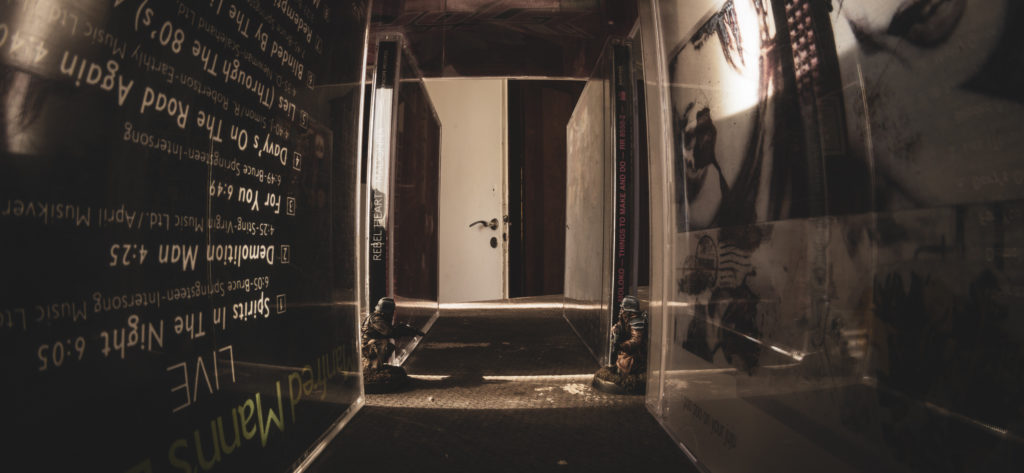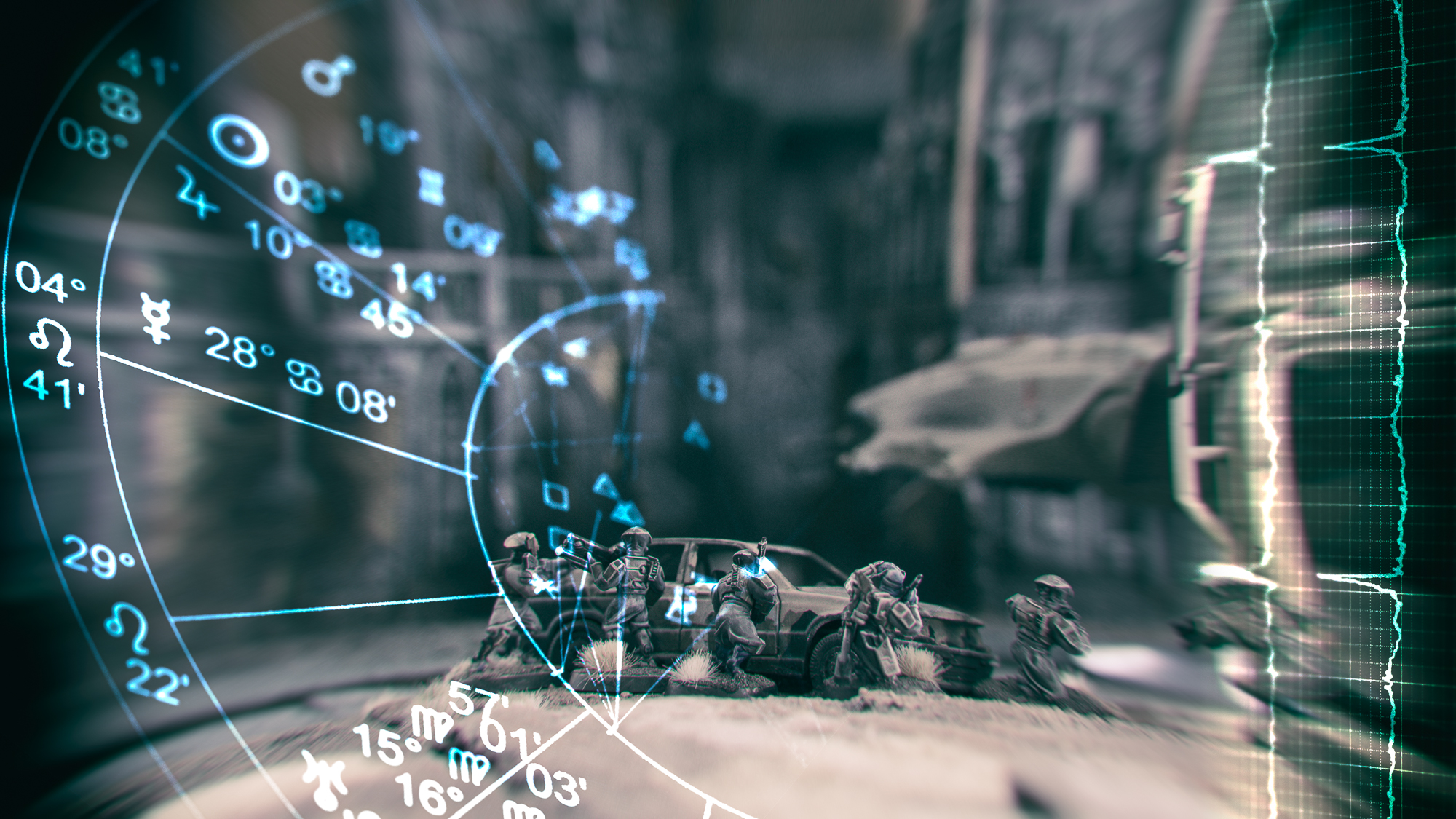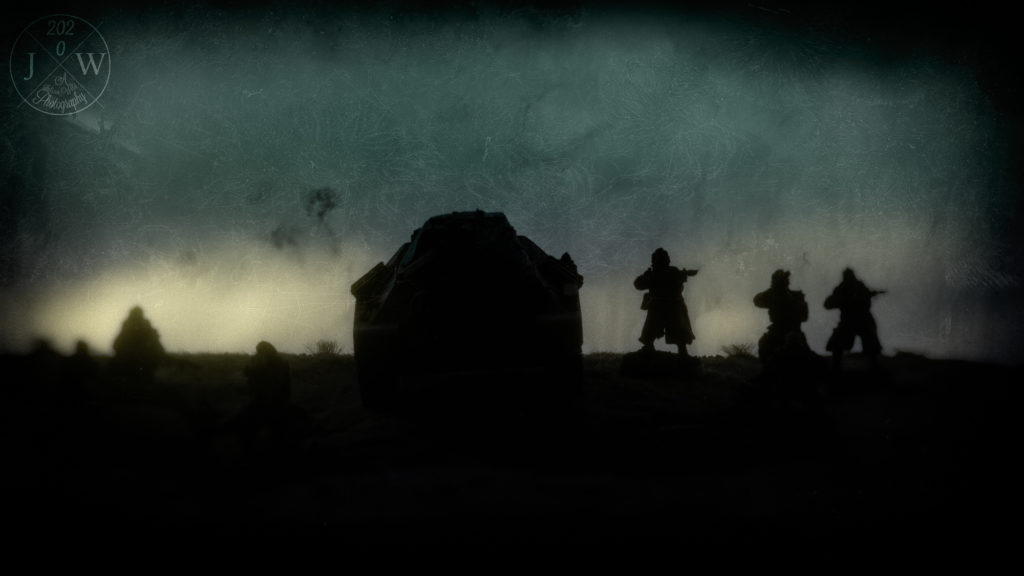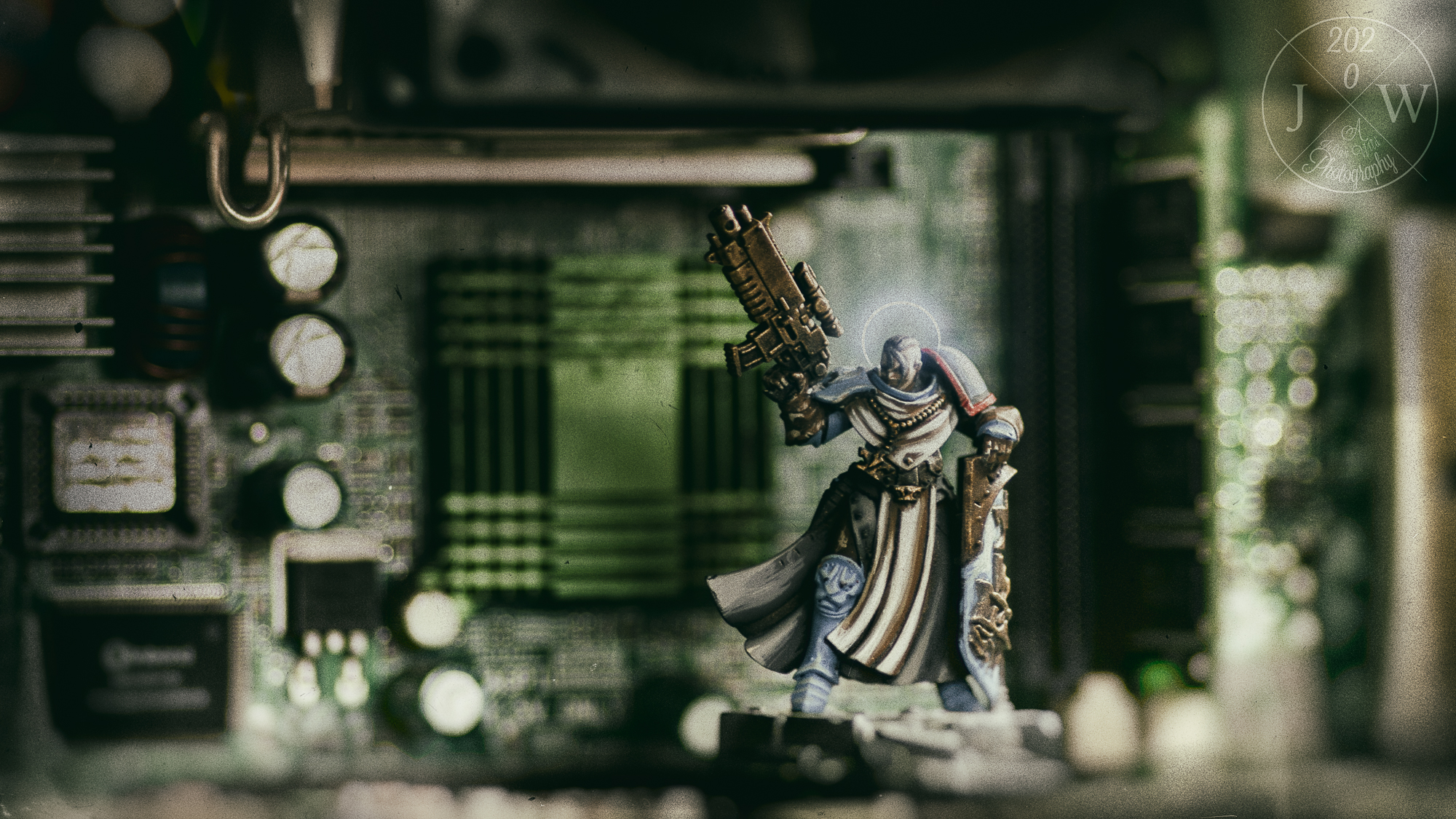
What is Vignette28 you might ask. Vignette is a term which appears in multiple disciplines (check Wikipedia to see in how many). Our definition is mostly inspired by the meaning for literature. And we postfixed the term with 28 as a substitute for all scale models and miniatures. Here’s how Just Makes Stuff defined it:
A small, pleasing picture or view.
An evocative, description, account, episode.
Just Makes Stuff
A single image that communicates the mood and atmosphere of an event or moment.
On IG we tag our posts with #vignette28
The Story is already there
Why did you join our hobby in the first place? Isn’t it the lore, the stories, the imagination, the distraction, the creativity? We are convinced that most of you have a story in mind when watching your work. A background for the unit, a context for the building, a setting for the kitbash.
And you have the means to tell it. You just have to make yourself aware of the story.
How to Find the Story
- What is the first setting you think of when eyeballing your work? Is there a film, a book, music, mood coming to your mind? Maybe a post in Instagram or Facebook?
- For what reason did you choose the colours and the style? Do you follow a lore which attracts you? Or a game setting filling your mind with ideas?
- Is there a particular detail which triggers your imagination and creativity especially? This can be something quite obvious (that’s why we often don’t see it immediately). It also can be something seemingly profane (which is also just a perception).
Here’s a small questionnaire which might help you
The questions start high level and then will steadily narrow down the focus. For some it might be helpful to write down the answers. I myself often use mind maps. It helps me to be creatively focused.
- In which universe or world is your work set?
- In which part of that world?
- What characteristics does this part of the world have in particular?
- What season, what time of day do you see?
- Placing your work in that part of the world, is there already a mood and/ or any colours popping up?
Of course this questionnaire is only scratching the surface and there could be hundreds of more questions. The intent however is to make you consciously think about the story you can tell. To name what is already there.
Setting Up the Stage for Vignette28
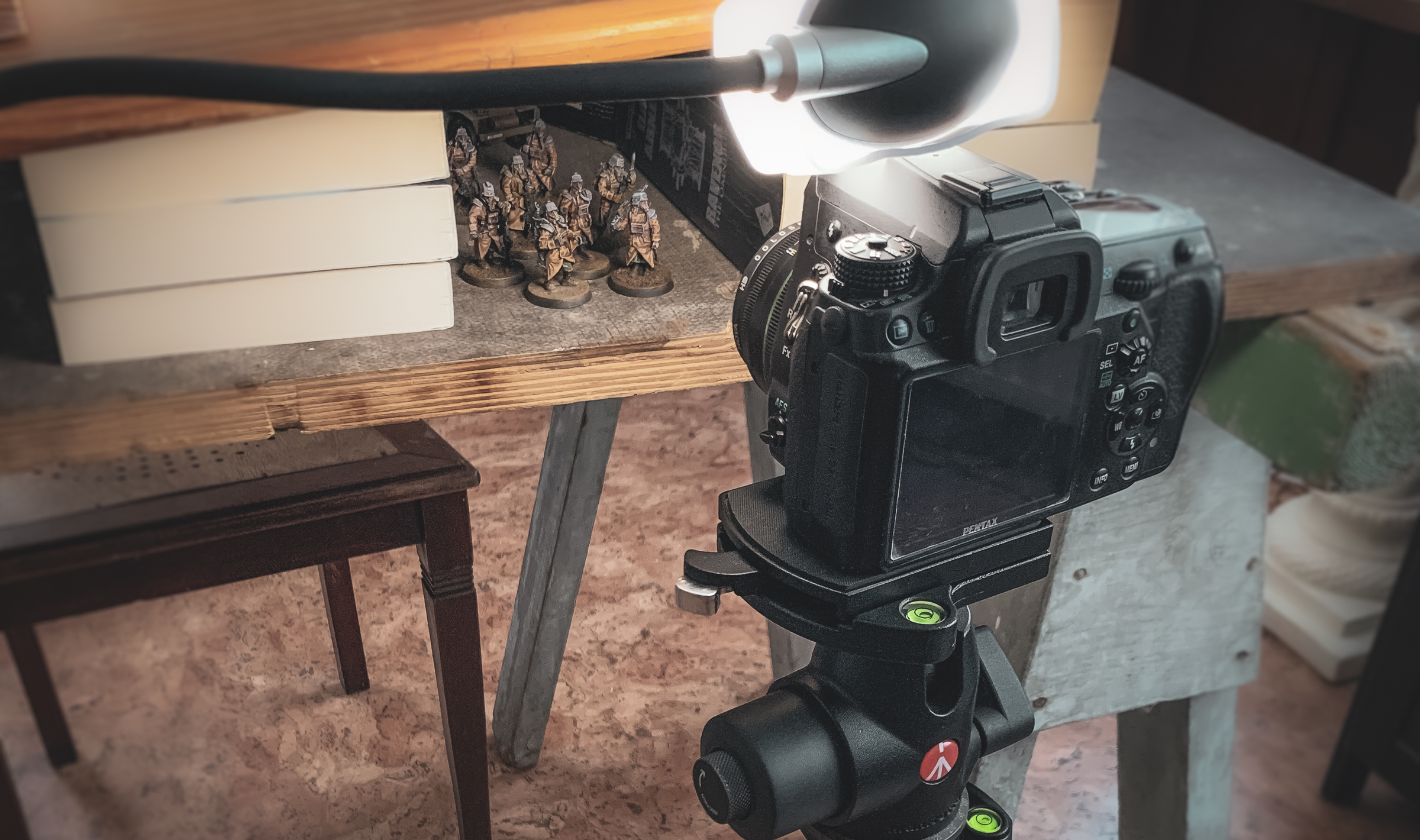
You don’t need professional photo equipment in order to create a story telling picture with your miniature. Today a smartphone and one or two apps is almost everything you need – besides the work you have created anyhow. Within this blog I explain my approach while on Instagram there’s awesome content creators who share insights in how they achieve Vignette28.
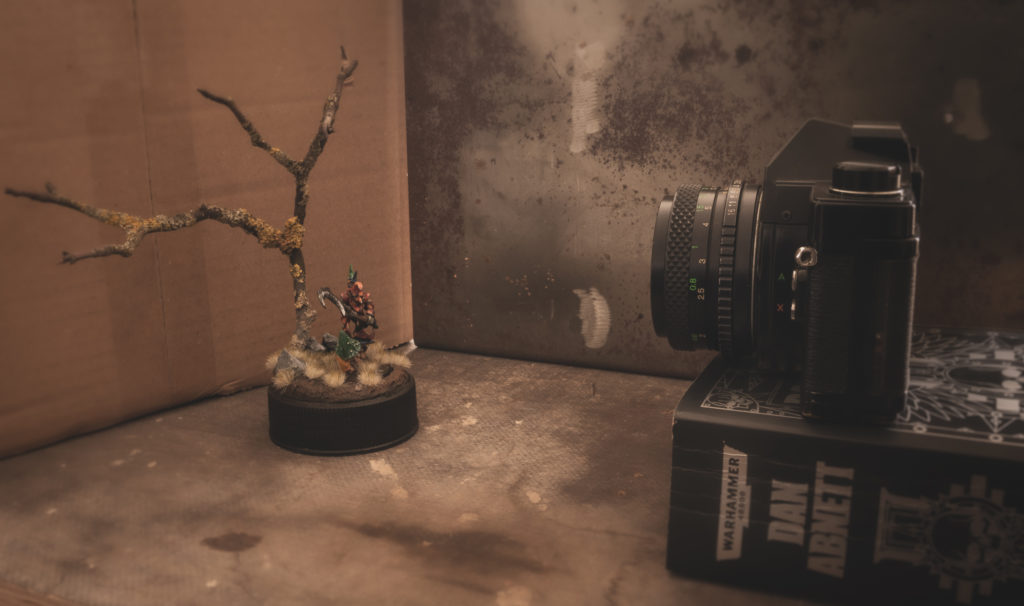
You can work with your own printed, standard paper sized backdrops. You can work with unfolded pizza boxes. I recently painted a cardboard box black on the inside. Paint your own backdrop. Work with real sand as the ground your miniature is standing on or create a small terrain piece. You can use snow or small rocks. Soil, dried grass or lichen. Create a small, temporary landscape, again the size of a standard paper.
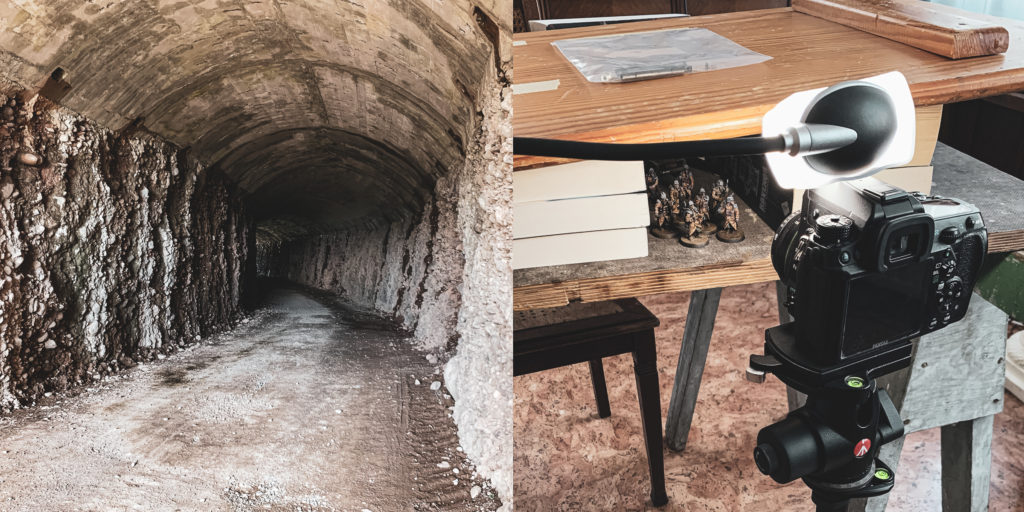
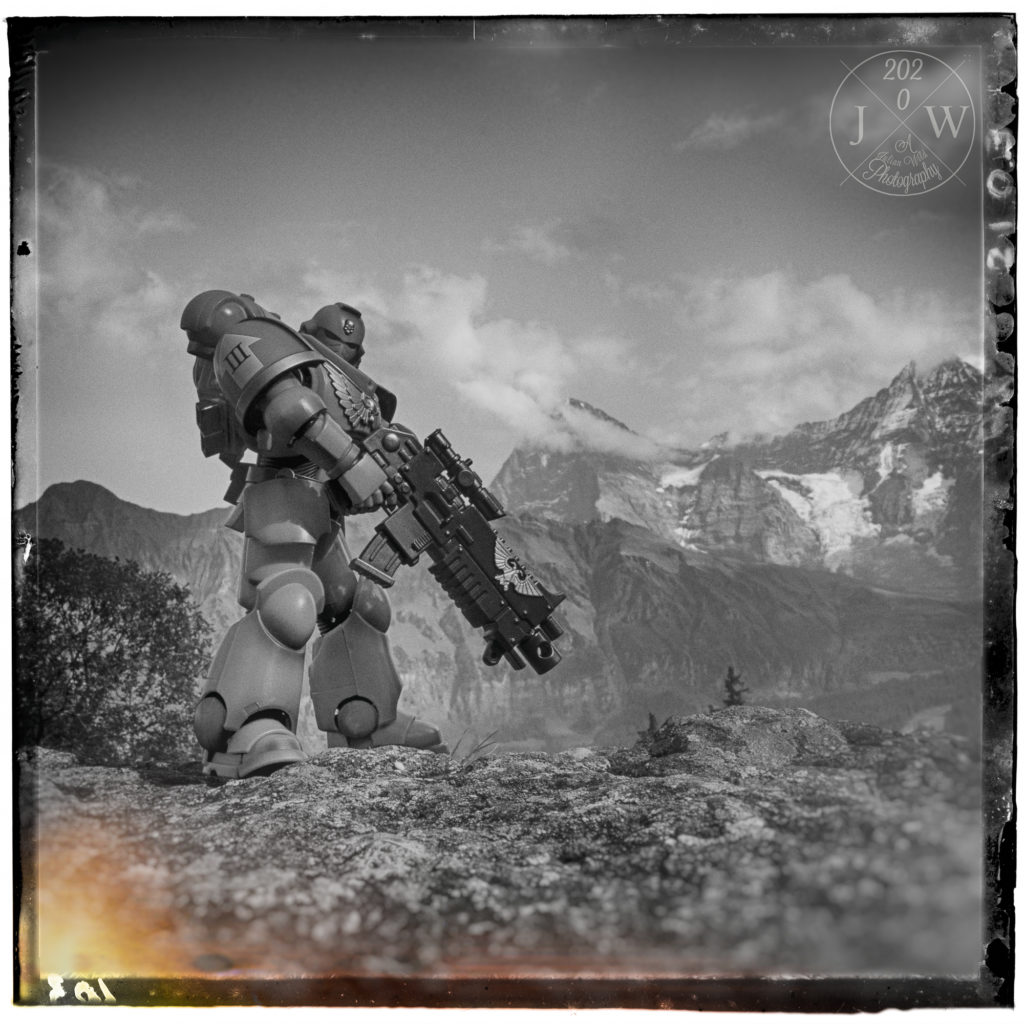
Some apps even make it possible to include moving clouds, fog or fires in your photo. Of course you also can go outside and put your miniature on the street and make use of the real landscape as backdrop.
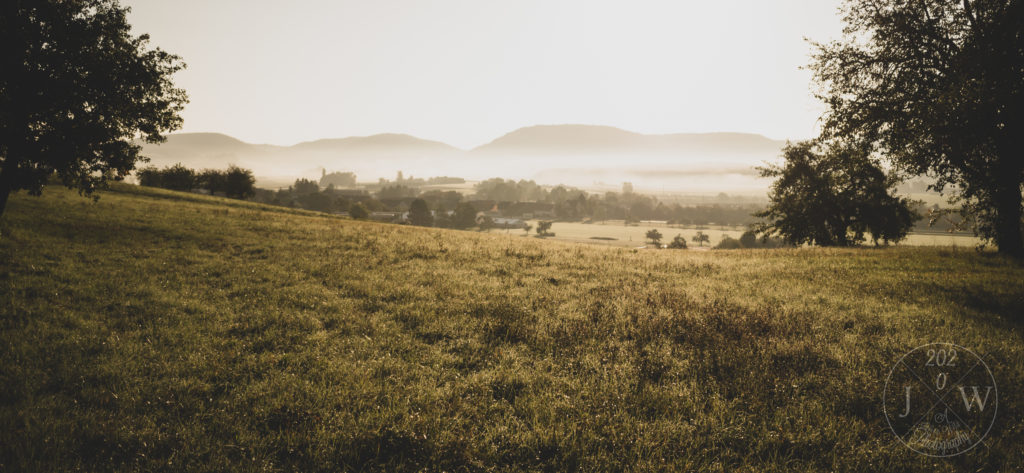
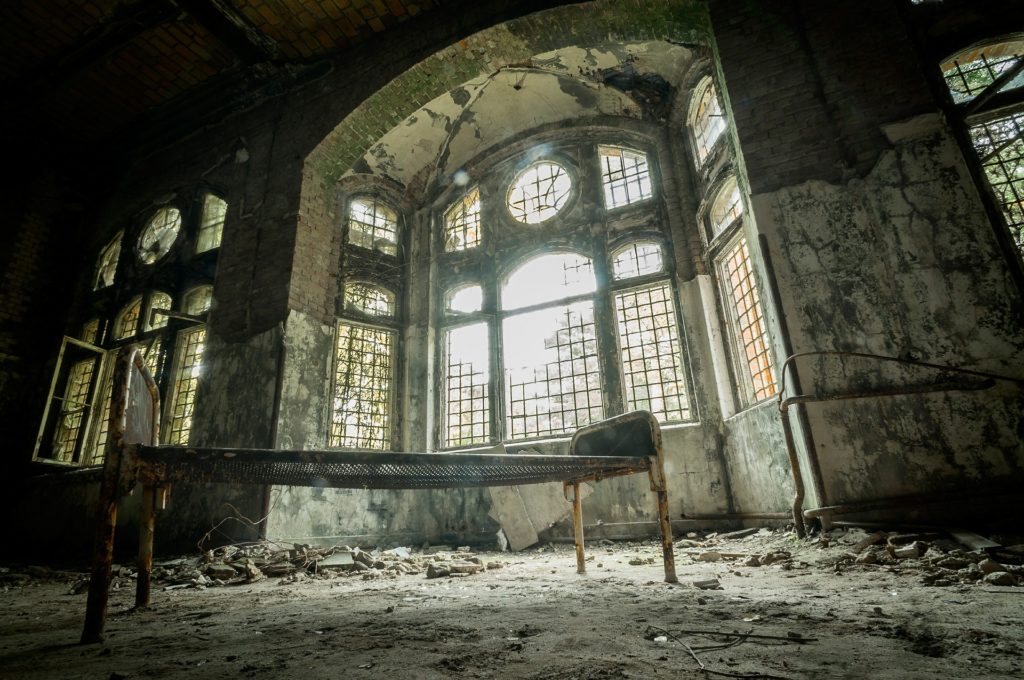
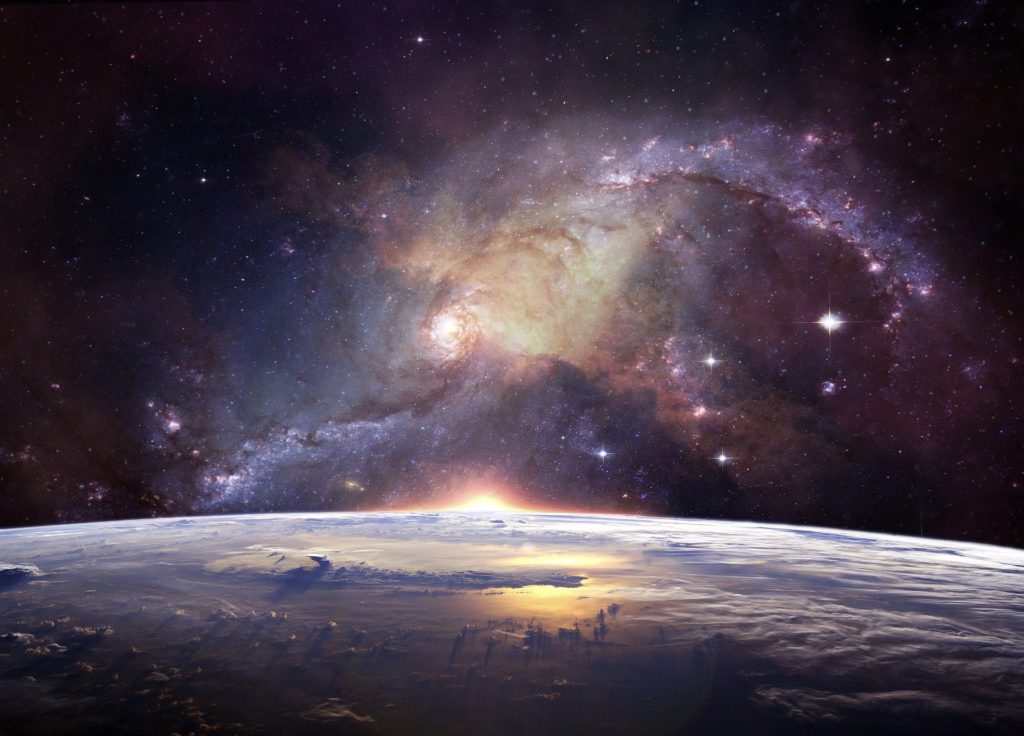
You can download landscapes from stock photo services (like Pixabay). I’m sure eventually I’ll make a Vignette28 with this photo.
Style and Mindset?
There’s some technical details which make it easier to achieve a story telling aspect (like going down on eye-level with a miniature). But they are not the only or even necessary means to work with. Don’t restrict your creativity because others tell you how they achieve theirs. Everybody has their own way.
The NOT List
The NOT list is my personal view, it’s my subjective opinion. I myself wasn’t able to combine showcasing and story telling within the same photo. Of course I can put my own style in my showcasing photos. But the intense visual stories I was telling so far were those where I restrained myself from the showcasing aspect.
To Sum Up
You know what Vignette28 is. Bring the story to your conscious self. It is already there. You just have to find a way to make yourself aware of it. Maybe the questionnaire helps. And then create the setting of the scene. Make use of stock photos, of software. You don’t need to show how well you painted and it is ok to edit the photo. It’s all about the story. You can create Vignette28!